
Make every screenshot yours
Choose a template and customize the copy, fonts, colors, backgrounds and device frames to fit your product.
App Store & Google Play
Start with a template. Turn your product screenshots into artwork for the App Store and Google Play.
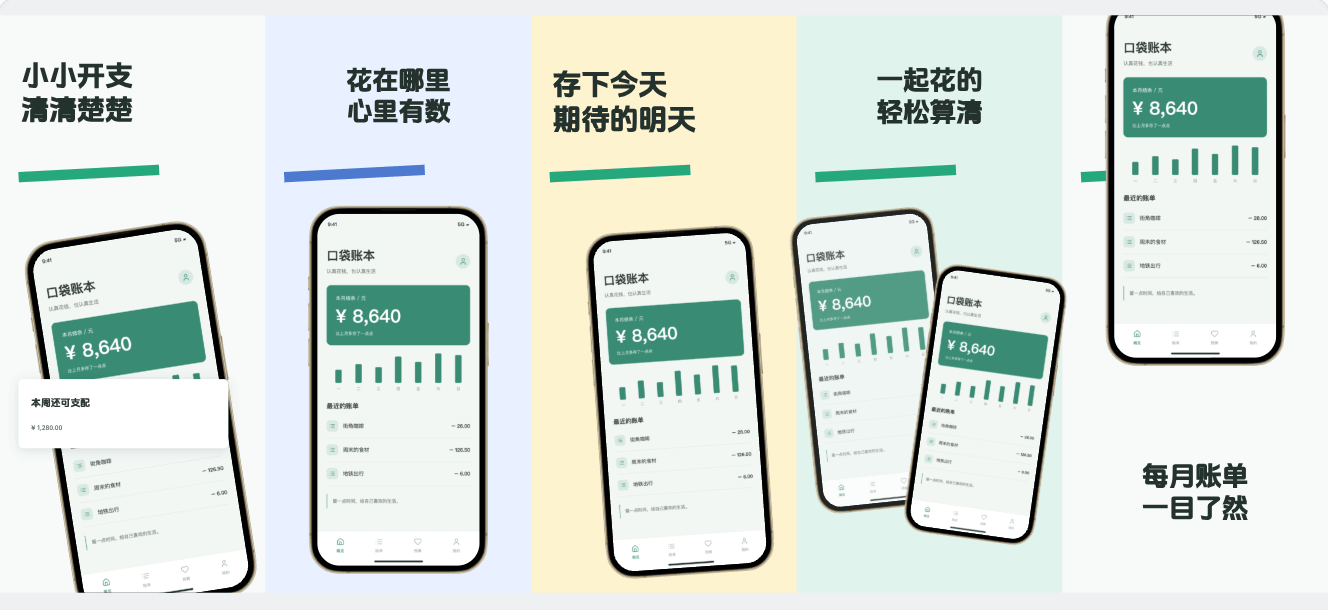
Choose a template and customize the copy, fonts, colors, backgrounds and device frames to fit your product.
Create screenshots for iPhone, iPad, Android phones and tablets, plus Google Play Feature Graphics.
Select the sizes you need and export your screenshots as PNG images in a ZIP bundle.
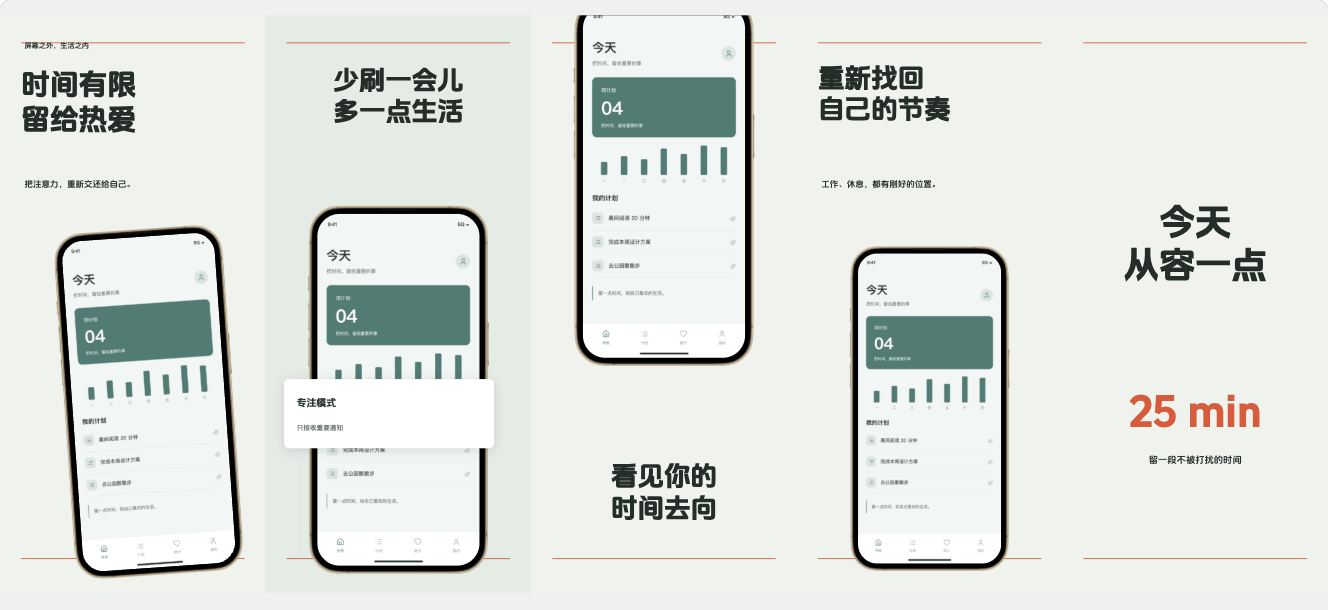
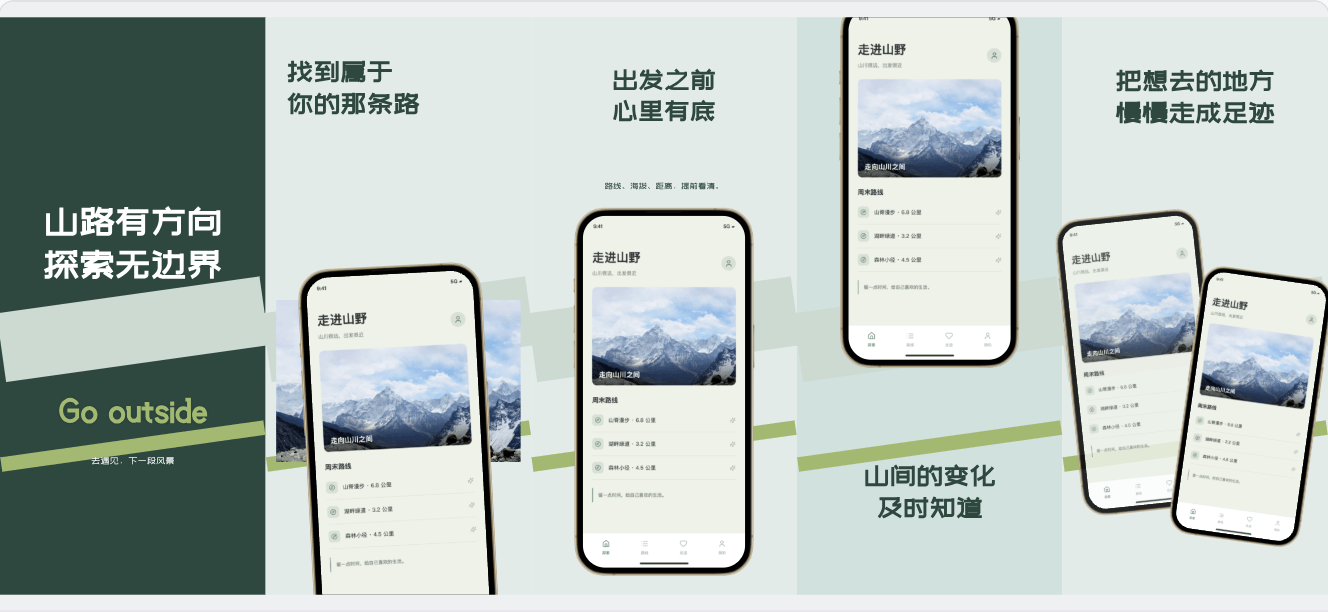
Browse categories or search the template library to find a style that fits your product.
Import screenshots, update titles and labels, then adjust backgrounds, device frames and screen order.
Choose your platform and sizes, then export images for App Store Connect or Google Play.
No. Open a template in your browser, edit your content and export your images.
Images and projects are processed locally in your browser by default. Clearing browser data or changing devices can remove local projects, so export important artwork.
Yes. The editor supports iOS and Android device groups. Adjust each group and export the sizes for its platform.
Found a problem or have a template in mind? Send us an email.